Configuring donor settings and capture forms
In short: Open Settings → Donors → Forms, tick Enable New Donor Capture Form? and Save to switch on the public self-signup form, then share the https://{your-charity}.ad.org.za/d link. You need the Manage Settings permission. The donor settings page has three tabs: Tags, Forms and Statement.
Overview
The donor settings page lets you manage donor tags, switch on a public donor capture form, control automatic merging of duplicate captures, and set statement options. This article focuses on the Forms tab, where you enable and share the public capture form that lets new donors submit their own details without logging in.
Before you start
You'll need:
- The Manage Settings permission.
- A decision on whether to let people add themselves as donors from a public link.
Opening donor settings
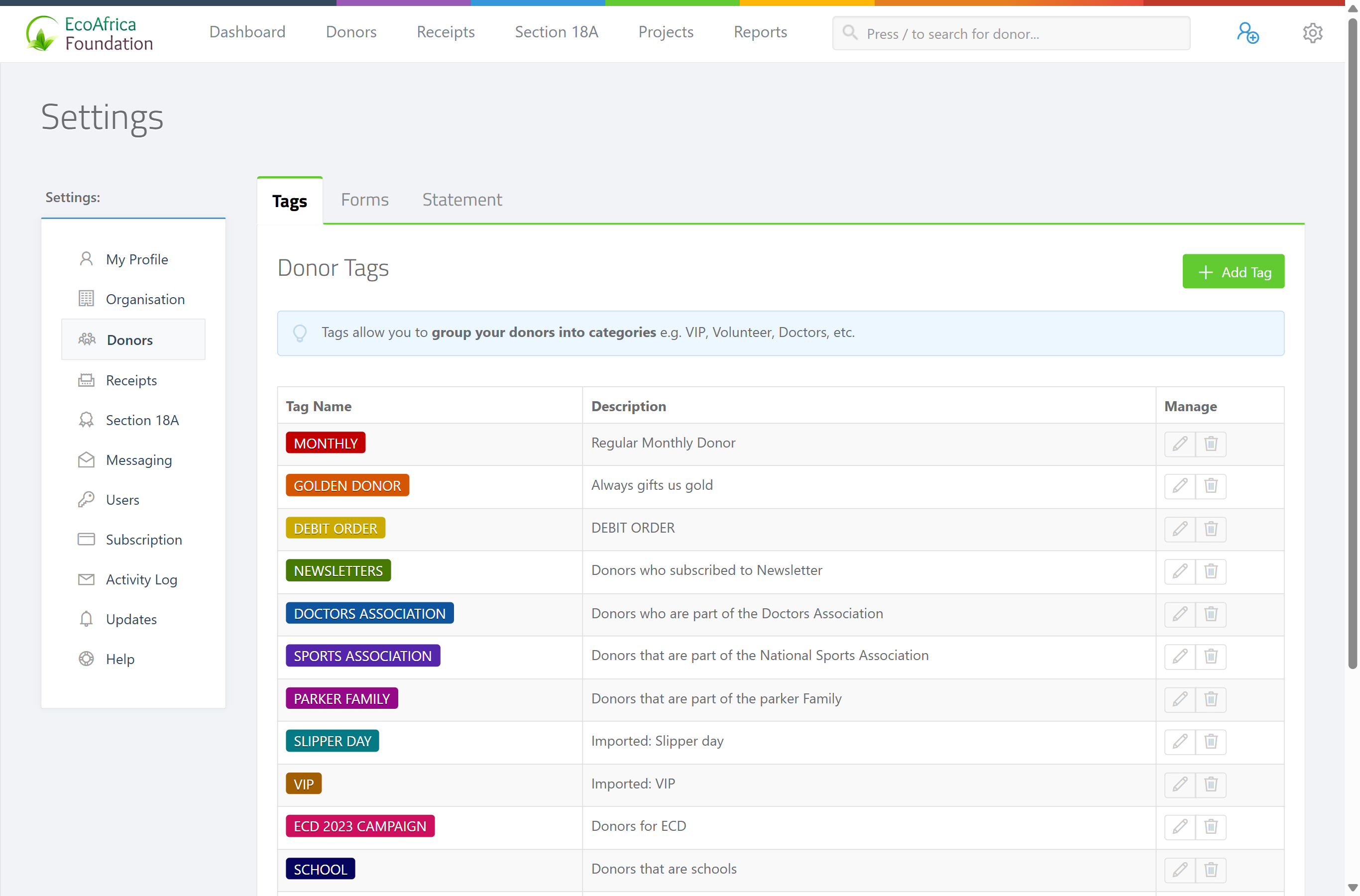
Open Settings from the gear/cog menu in the top navigation bar, then choose Donors in the Settings left-hand navigation. The page has three tabs: Tags, Forms and Statement.
Enabling the donor capture form
Step 1: Open the Forms tab
Click the Forms tab. It shows the heading Donor Forms and tells you whether the public donor capture form is currently 🟢 ENABLED or 🔴 DISABLED.
Step 2: Switch the form on or off
Tick Enable New Donor Capture Form? to switch the public form on, or untick it to switch it off.
Step 3: Save
Click Save. When enabled, the page shows the public link in the format https://{your-charity}.ad.org.za/d.
Step 4: Share the link
Use the Copy button to copy the link, or Open to view the form in a new tab. Share this link with new donors so they can submit their own information.
Merging duplicate captures automatically
Once the capture form is enabled, a second option appears: Merge Duplicate Donor Captures? When ticked, a new submission from the public form is automatically merged with an existing donor if it matches on email or phone number, instead of creating a duplicate. Tick it and click Save to switch it on.
📌 Note: Matching is on email or phone only. A slightly different email or phone won't match, so it will still create a separate donor.
The Tags and Statement tabs
- The Tags tab manages donor tags (categories such as VIP or Volunteer) — see Donor tags and categories.
- The Statement tab manages settings for the statement of donations — covered in the Section 18A material.
What this does not do
- Enabling the form doesn't verify or auto-approve who submits. Submissions still come into ActiveDonor for you to review — see Reviewing and merging donor-submitted updates.
- The merge option doesn't de-duplicate your existing donors; it only affects new captures from the public form. To merge existing duplicates, see Merging duplicate donors.
Field reference
| Setting | Tab | What it does |
|---|---|---|
| Enable New Donor Capture Form? | Forms | Switches the public /d capture form on or off. |
| Merge Duplicate Donor Captures? | Forms | Auto-merges new captures with existing donors matching on email or phone (only shown when the form is enabled). |
| Add Tag | Tags | Creates a new donor tag (see Donor tags and categories). |
Common issues & solutions
| What you see | What it means | How to fix it |
|---|---|---|
| The capture link doesn't work | The capture form is disabled. | Tick Enable New Donor Capture Form? and click Save. |
| You don't see Merge Duplicate Donor Captures? | It only appears once the capture form is enabled. | Enable the form and save first; the option then shows. |
| Duplicate donors still created from the public form | Matching is by email or phone, so a different email/phone won't match. | Switch on Merge Duplicate Donor Captures?; merge remaining duplicates manually. |
| You can't open the Forms tab settings | You lack the Manage Settings permission. | Ask an administrator to grant it. |
FAQ
How do I let donors add themselves?
Open Settings → Donors → Forms, tick Enable New Donor Capture Form?, save, and share the https://{your-charity}.ad.org.za/d link with them.
Where's the public form link? On the Forms tab, once the form is enabled — copy it with Copy or open it with Open.
How do I stop duplicates from the capture form? Tick Merge Duplicate Donor Captures? It auto-merges new submissions that match an existing donor on email or phone number.
What do the Tags and Statement tabs do? Tags manages donor categories (see Donor tags and categories); Statement sets statement-of-donations options.